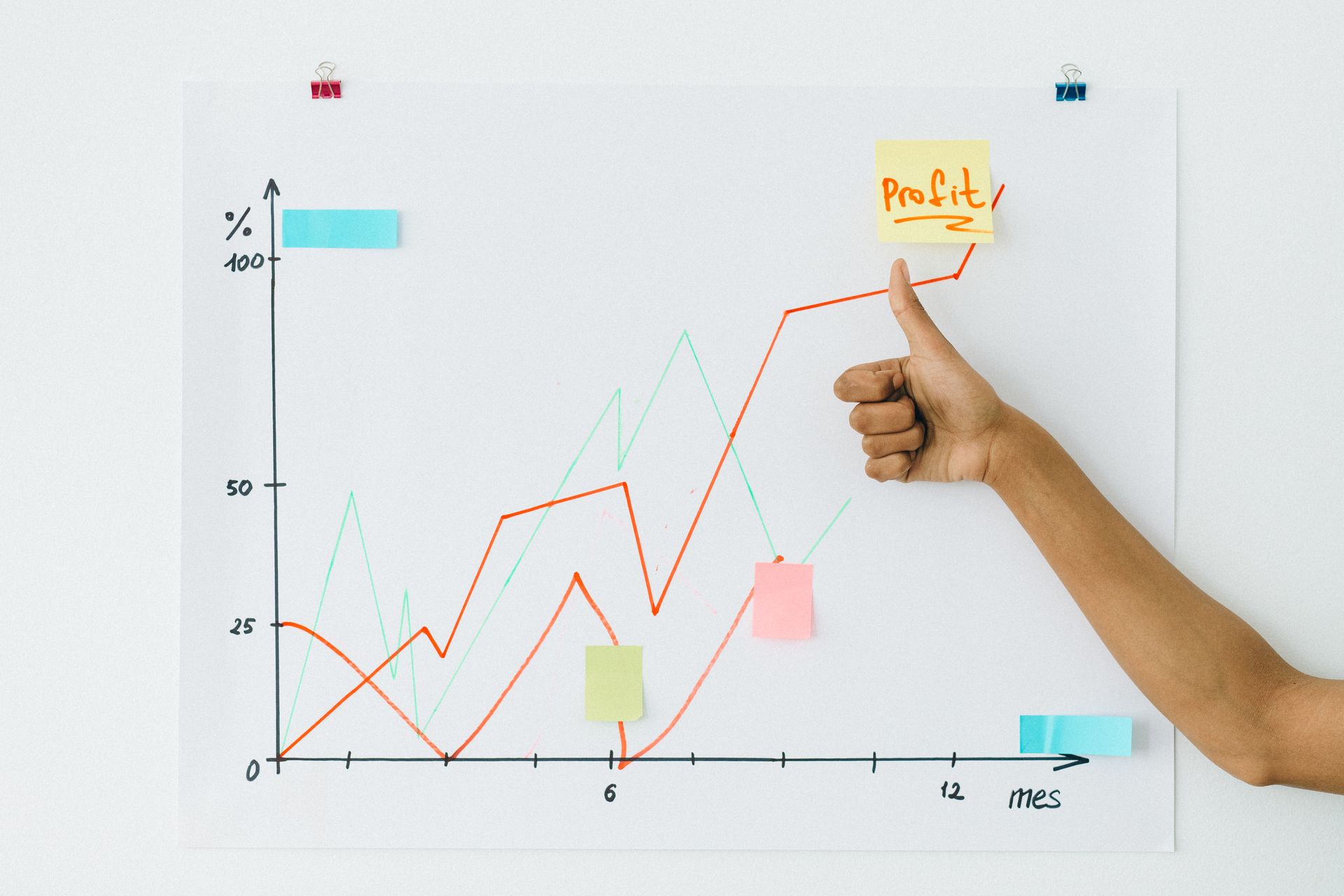
Most revenue charts are forgettable for the same reason: they were built to record a number, not to land one. They live in a spreadsheet, get screenshotted, and go out into a feed or a deck where they have to fight for attention, and lose. A grey block of bars reads as homework, and nobody stops for homework.
A few formats consistently beat that fate. Not because they are fancier, but because each one is matched to a specific kind of story and built to deliver it in the two seconds of attention it actually gets. Below are seven of them. For each, what it is, why it earns a stop, and the principle you can lift and reuse with your own numbers. The examples use realistic but invented figures, so treat them as templates rather than case studies.
One thread runs through all seven: they move. A revenue chart is a story about change, and a chart that animates that change, bars growing, a line drawing itself, a number ticking up, out-performs the frozen version almost every time. Here is what that looks like in practice.
1. The quarterly bar that saves the best for last
What it is: four bars, one per quarter, each growing up from zero, with the biggest, $42K, $58K, $76K, $119K, arriving last.
Why it stops the scroll: sequence creates suspense. When the bars animate in one after another, the final, tallest one lands like a punchline instead of a data point. The eye is wired to track the rising staircase, and the payoff at the end is satisfying in a way a static set of four bars never is. It is the most reliable revenue chart there is precisely because the format does the dramatic work for you.
The principle to steal: order your data so the headline arrives last, and let the bar chart build to it. Keep it to four to six bars, label the values on top, and resist adding a second metric. One story, one crescendo. This is the backbone of any revenue growth chart, and we broke down the full method in the animated revenue growth guide.
2. The MRR line that draws its own hockey stick
What it is: twelve months of recurring revenue as a single line that draws itself on from left to right, the slope steepening toward the latest month.
Why it stops the scroll: a self-drawing line is momentum you can watch happen. The reader follows the pen as it climbs, and a curve that bends upward reads as "this is accelerating" without a word of caption. With twelve points the trend has enough context to feel real rather than cherry-picked, and the final, highest value is the natural place the eye lands.
The principle to steal: when the story is a sustained climb rather than a few discrete jumps, use a line, not bars. Show ten or more points so the shape is credible, label the latest value because that is your headline, and keep it to one line. A dedicated MRR chart is built for exactly this, and filling the area beneath it with an area chart makes the number feel even weightier.
3. The ARR counter that ticks past a milestone
What it is: a single number, animated, counting up to a milestone, ARR crossing $1M, the figure rolling from a lower value to the headline.
Why it stops the scroll: when the whole story is one big number, a chart with axes just gets in the way. A number counting up gives the figure motion and weight, and the moment it crosses the round number, $1M, 10,000 customers, is a small event in itself. It is impossible to scroll past a number that is still moving.
The principle to steal: when one figure is the story, let it own the entire frame. An animated number counter or a KPI scorecard turns a milestone into a moment. Pair it with a one-line caption naming the figure and the single decision that drove it, and nothing else.
4. The revenue bridge that explains why you grew
What it is: a waterfall that starts at last year's revenue, steps up with new business and expansion, steps down with churn, and lands on this year's total, each step animating in turn.
Why it stops the scroll: most revenue charts show that you grew. This one shows why, and "why" is what a board member or investor actually leans in for. The connected steps read like a sentence, started here, added this, lost that, ended there, and animating them in sequence turns a slide of finance into a story with cause and effect.
The principle to steal: when the interesting part is the composition of the change, not just the result, reach for a waterfall chart. It is the most articulate way to bridge two numbers, which is why it earns its place in an investor update or a QBR deck. Keep the steps to a handful so the logic stays legible.
5. The funnel that turns drop-off into a gut-punch
What it is: four or five stages, visit, signup, activation, paid, each narrowing toward the one that converts, with the percentage labelled at every step and the biggest drop-off made obvious.
Why it stops the scroll: funnels overperform because every operator who sees one instantly compares it to their own. The narrowing shape makes the leak visceral, you see where people fall out, and animating each stage shrinking in turn dramatises exactly where the business is losing money. The comment section writes itself, because people cannot help replying with their own activation rate.
The principle to steal: when the story is conversion or attrition through stages, use a funnel chart. Label the percentage at every stage, keep it to four or five steps, and let the largest drop be the visual headline. It is one of the most shareable formats on a feed, a point we made in the animated LinkedIn chart guide.
6. The year-over-year comparison that rescues a "flat" month
What it is: this year's monthly revenue plotted against last year's, two lines or paired bars, so a month that looks flat in isolation reveals itself as well ahead of the same month a year ago.
Why it stops the scroll: context changes the entire reading of a number. June on its own might look like a plateau; June next to last June can be a 60% jump. Showing the comparison reframes a story the raw number was quietly hiding, and that reframe, "wait, that's actually up a lot", is the kind of small surprise that earns a second look.
The principle to steal: when a single period looks unremarkable, give it a benchmark. A line chart with two series, or a grouped bar chart for a few periods, lets the comparison carry the message. Year-over-year is also the most honest frame for any business with seasonality, since you are comparing like with like.
7. The breakdown that shows where revenue comes from
What it is: a small donut splitting revenue into its sources, by plan, by segment, by channel, with the dominant slice clearly leading.
Why it stops the scroll: "where does the money actually come from?" is a question people are genuinely curious about, about their own company and everyone else's. A clean breakdown answers it at a glance, and the surprise, enterprise is now the majority, one channel quietly drives half of revenue, is what makes it memorable. The key word is clean: this only works with a few slices.
The principle to steal: when the story is composition, how one whole divides, a donut chart works, but only with three to five slices. More than that and the comparison turns to mush; bucket the long tail into "Other." If precise comparison between the parts matters more than the sense of a whole, a bar chart is usually the more honest choice.
What the seven have in common
Look across all of them and the pattern is not a chart type, it is a discipline. Each one picks a single story and builds the entire chart to deliver it: the quarterly bar saves its punchline, the MRR line performs its momentum, the counter lets one number own the frame, the waterfall explains a cause, the funnel dramatises a leak. None of them try to show everything, and all of them move, because revenue is change and change is worth animating.
That is the whole trick. Decide the one thing you want remembered, choose the format that delivers that one thing most directly, and let it move. Your numbers are already good enough to stop a scroll. Stop sending them out as screenshots that read like homework.